
Upload It. Transform It.
 tokentoken
From Sketch to Masterpiece
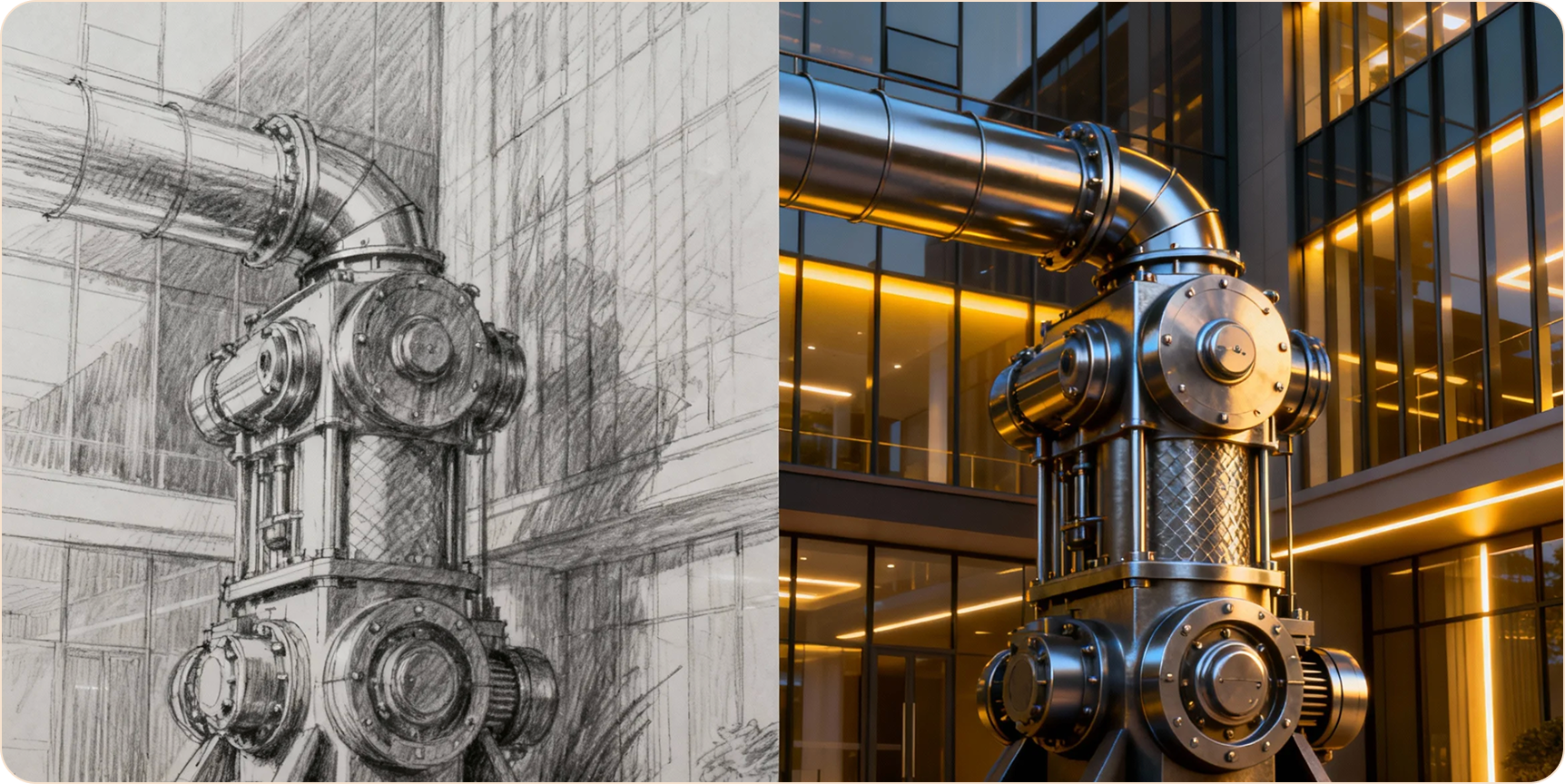
Keep the structure, change the style.
Why Use Image Editor?
Stop Struggling with Prompts

Control Structure
Text prompts are hard to control precisely. With Image Editor, your input image is the blueprint — AI keeps the composition you want.

Consistency
Need character consistency? Upload a reference and change outfit or background while keeping the face.

Rapid Iteration
No need to fully render 3D models. Upload a rough model and let AI add realistic textures.
Edit in 3 Steps
Your image + AI = Infinite variations.
Upload Image
Drag & drop your sketch, photo, or 3D model as composition reference.
Choose Style
Pick your style and enter a prompt like "Cyberpunk style".
Generate
Adjust "Image Strength" to control how much AI changes. Click Generate.
More Editing Features
More ways to transform your images.

Sketch to Image
Turn rough sketches into polished images.

Style Transfer
Apply Van Gogh or any art style to your photos.

Outpainting
Extend images beyond their original borders.

Upscaling
Enhance low-resolution images.
Explore More Tools

Text to Image
Create images from scratch, no reference needed.

Voice Cloning
Add voice to your characters.
Image Editor Guides
Architecture
How to Render Floor Plans Fast
Using Photorealistic mode for interior design rendering.
Fun
Turn Your Selfies into Anime Characters
Best settings for anime style transfer.
Business
Generate Product Variations for E-commerce
Change colors and backgrounds quickly.
Frequently Asked Questions
5M+
Images edited
Ready to Start Editing?
Try core features free · No credit card required